How to Top the Paid App Charts With No Ads and No Subscription

Tarsi is a paid upfront budget tracking app that hit #1 on the App Store. $20K in its first month. No paid ads. No subscription paywall. Built in a single weekend for a university talk.
Who is Bryl?
Bryl built Tarsi as a demo for a university talk about vibe coding. Instead of a pitch deck, he thought he'd just show a real app. He had a developer account already, so he published it. Then people started buying it.
He wasn't planning to build a business. He was planning to give a talk. The business happened because he shipped something, put it out there, and paid attention when people responded.
What is Tarsi?
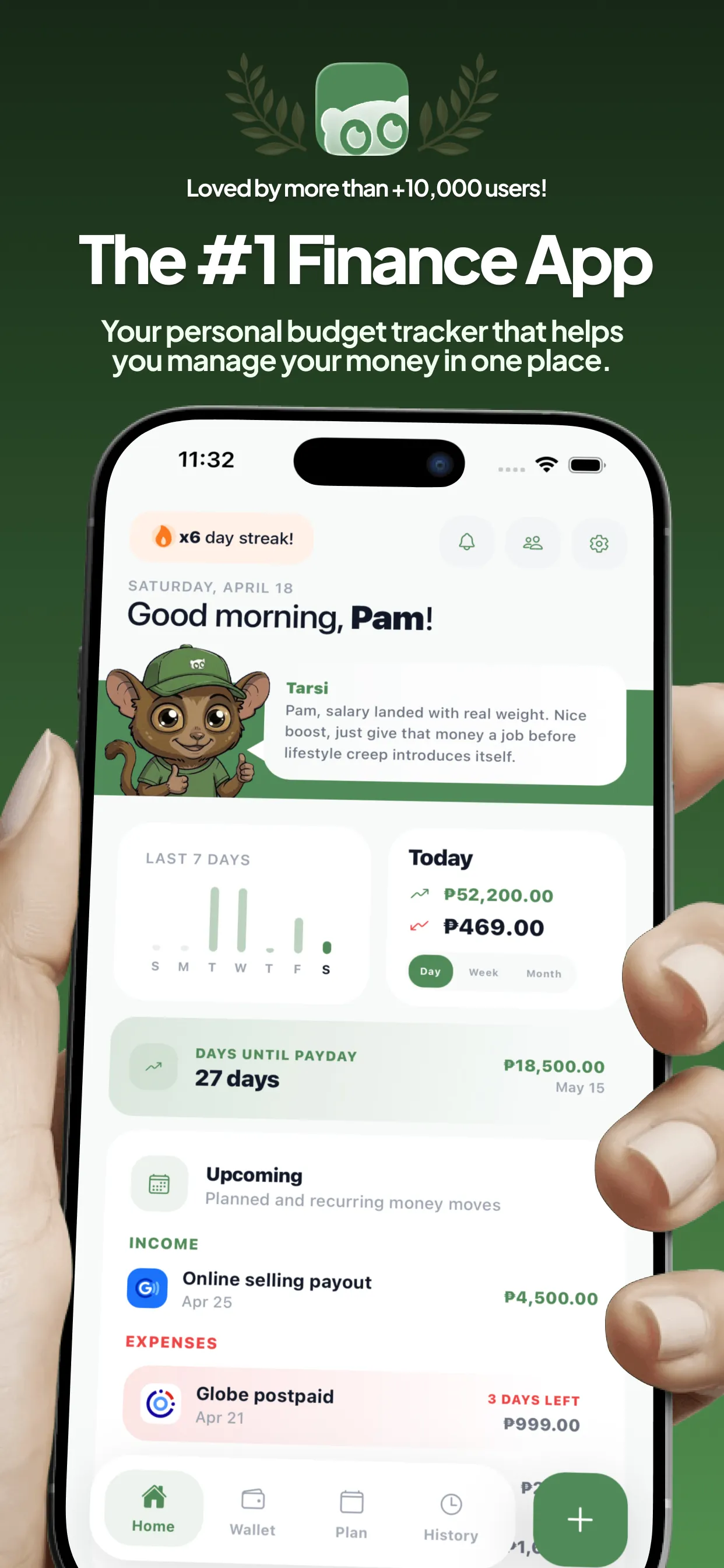
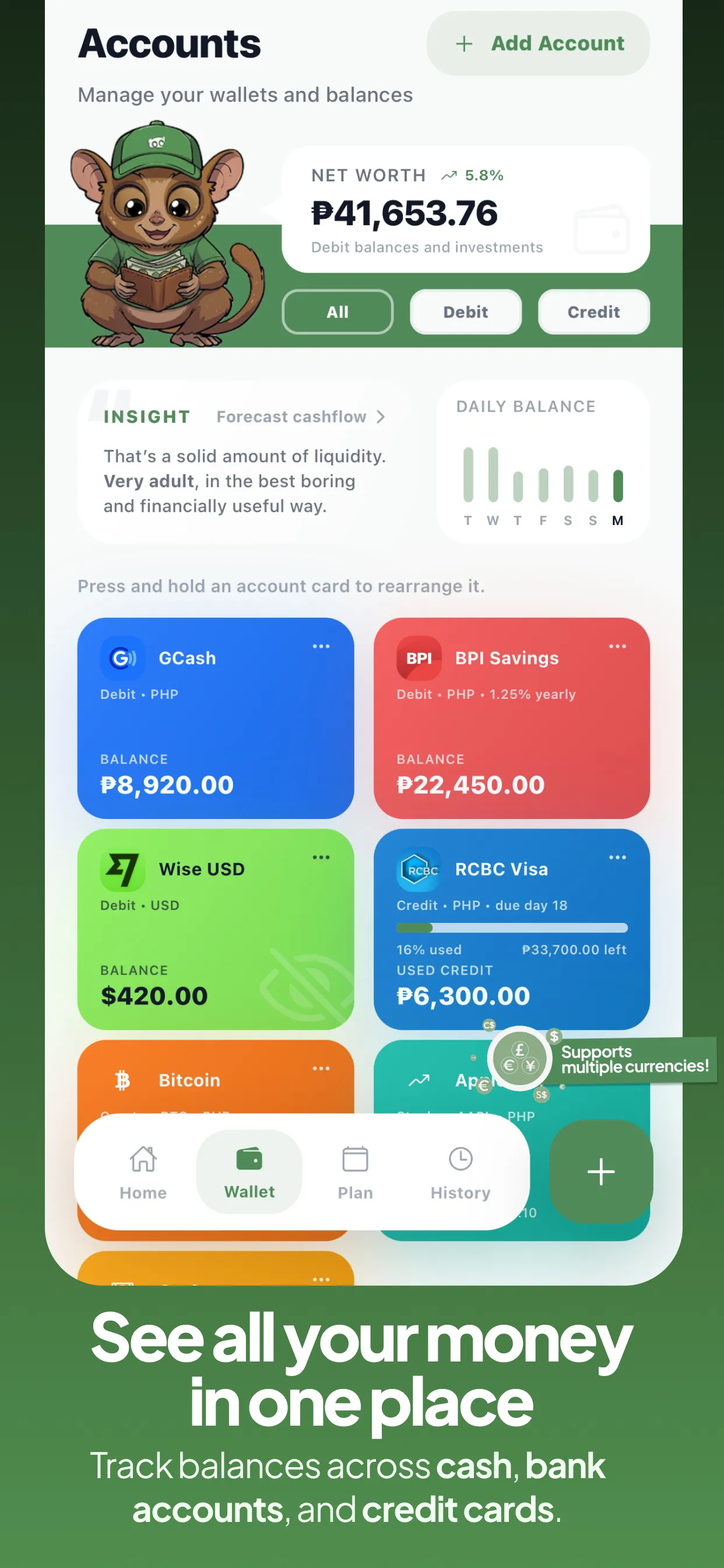
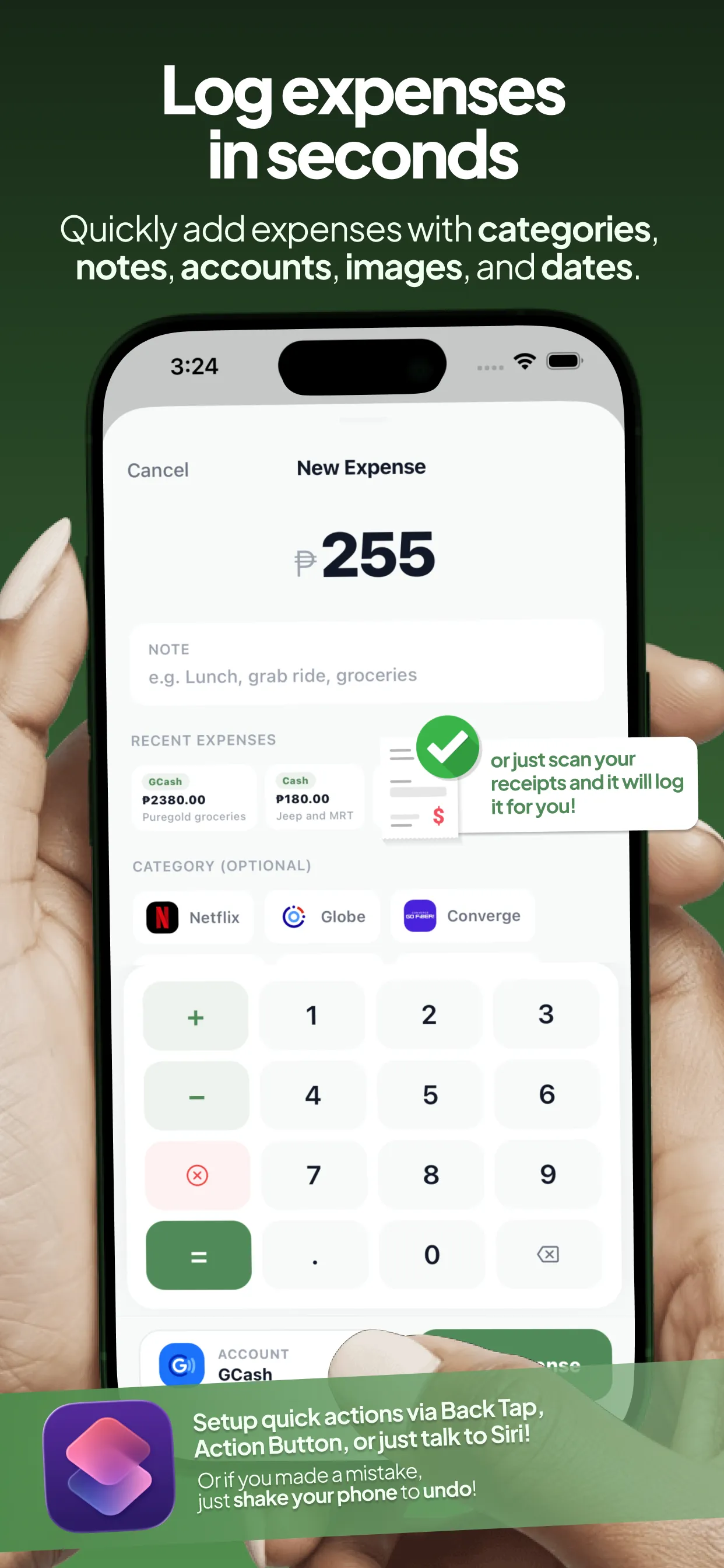
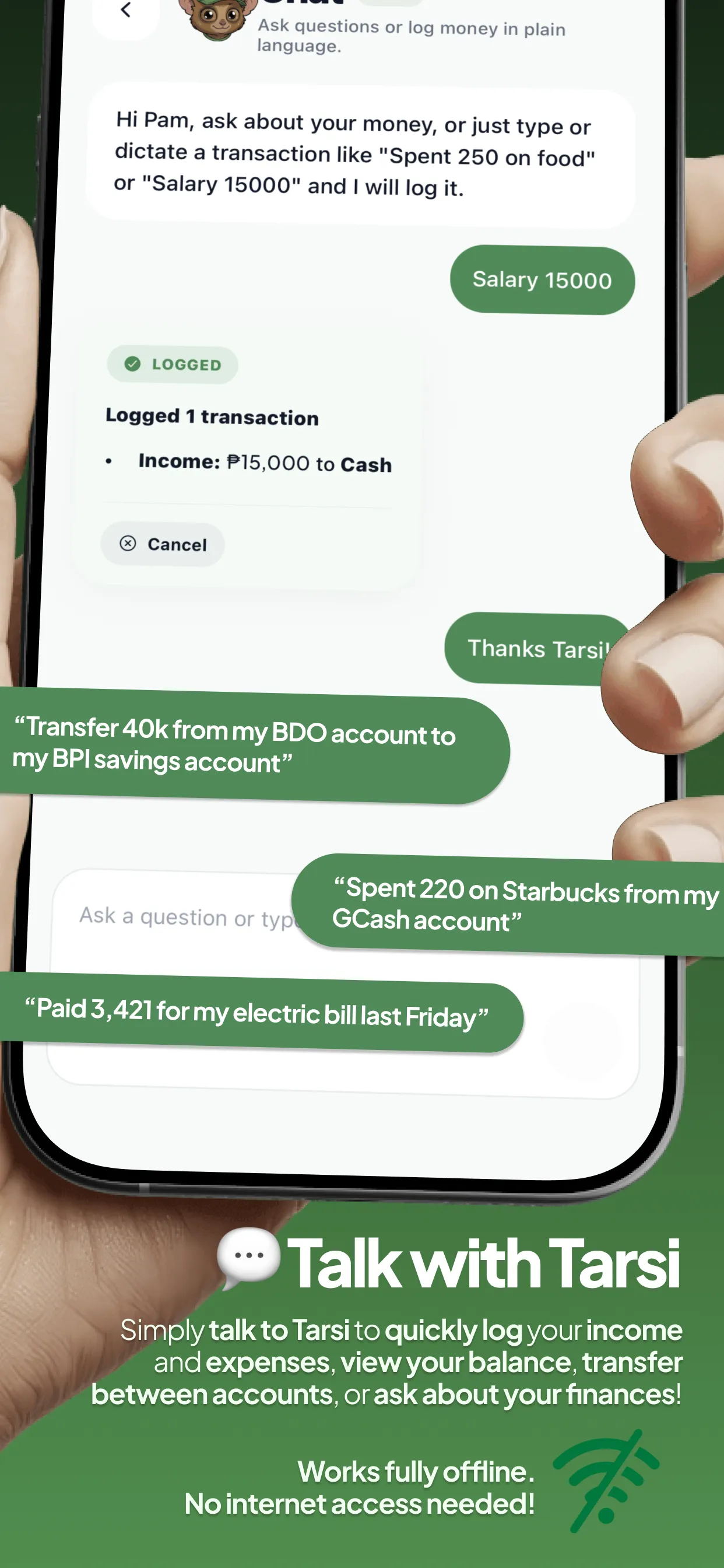
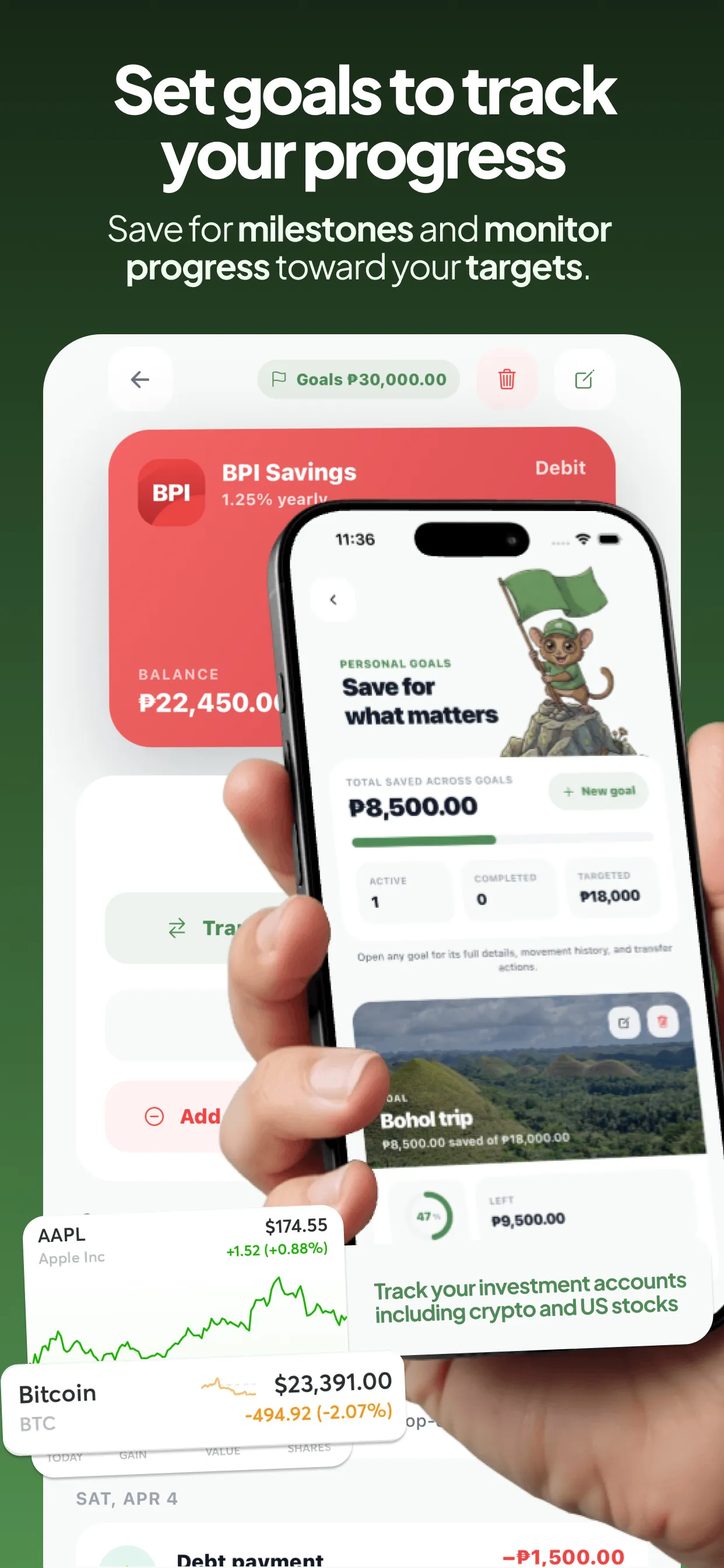
Tarsi is an offline-first budget tracking app powered by on-device AI (Apple Intelligence). You track your finances from debit cards, credit cards, whatever you use. The mascot is a tarsier (an animal from the Philippines) wearing a baseball cap and a t-shirt, inspired by Bulbasaur from Pokemon. Bryl generated the first version using Nano Banana from Gemini with a Bulbasaur reference image.
The app was vibe coded in a weekend using Codex on top of a React Native template. The first version looked completely different from what it is now. Retro, pixelized. Everything since then has been iterative, driven by user feedback.
How much does Tarsi make?
Tarsi made roughly $20K in its first month across iOS and Android, as Bryl shared on the Tap & Swipe podcast (May 2026). iOS accounts for about $15K of that, Android the rest. Daily sales sit at around $350/day on average, with occasional spikes up to $800/day when the app trends on social media.
Downloads average 80-90 per day. For a paid app, that's a lot. The app is #1 on the paid charts in multiple countries, not just the Philippines but also the US, France, Norway, and others.
And he's already replicated the playbook. His second app, a trip planner, is also #1 on the paid travel charts.
How to top the paid app charts
This is Bryl's core insight and it's surprisingly simple: paid apps have almost no competition on the charts.
Everyone builds free apps with subscriptions now. That means the paid charts are empty. You need way fewer downloads to reach #1 on the paid charts compared to the free charts. Tarsi gets 80-90 downloads a day and that's enough to be #1 in multiple countries.
Bryl didn't choose the paid model for strategic reasons at first. He chose it because it was easier. No paywall setup, no RevenueCat integration, no onboarding conversion to optimize. App Store handles the payment. You pay, you download, done. It was the fastest path to shipping.
But then he realized something: users are tired of subscriptions. Everything is freemium now. Everything has a paywall after three screens. A paid app with no subscription feels like a breath of fresh air. People actually appreciate paying once and getting the full product.
How to monetize a paid app without annoying users
Tarsi is paid upfront, but it also has optional in-app subscriptions for cloud features, bill splitting, and AI features. These cost Bryl money to operate (servers, API calls), so a subscription makes sense for those.
The key is how he communicates it. The paid purchase gives you the full app. Everything advertised on the App Store page, every feature shown in the screenshots, you get that when you buy. The subscription features are extras that aren't advertised in the store listing at all. No bait and switch.
The way I frame it is that these are optional, quality of life features. They're not required. Users get the full app without purchasing them.
So far, zero complaints. Some users actually welcome the upgrade option.
How to grow an app with Facebook groups and no paid ads
This is the part that makes Bryl's story unique. He doesn't run ads. No Google Ads, no Meta, no TikTok. His entire growth strategy is a public Facebook group.
Here's how it works: inside the app settings, there's a link to a public Facebook group. No feedback form, no support email. If users want to leave feedback, he encourages them to use the App Store review (more transparency, better for rankings). If they want to discuss features, they join the group.
The trick with a public Facebook group is that when members interact with it (post, comment, react), Facebook shows that activity to their friends and family. It just appears in their feed. That's free distribution.
When users comment or post in the group, their friends see it and get curious. What's this app? That drives conversions. It's free marketing.
Users find the group through the app, interact with it, their network sees it, some of them download the app, join the group, and the cycle repeats. No ad spend required.
How to use feature requests to iterate fast
Bryl doesn't use any fancy product management tool. Feature requests come from the Facebook group, he logs them in Apple Notes, and he uses Codex to build them fast.
The Facebook group doubles as a product feedback loop. Users post what they want, other users upvote it, and Bryl ships the most requested features. The iteration speed is part of what keeps the community engaged.
He also tested the social sharing feature this way. He posted a mock-up in the group as a joke: a feature that lets you share your daily spending on Instagram Stories, like Strava but for money. It got a ton of engagement (laugh reacts, comments, shares), so he shipped it. The sharing feature includes a watermark with the app name, which drives more downloads.
How to build an app completely offline with no server costs
Tarsi is offline-first. No database, no authentication, no server. Everything runs on-device. That was a speed decision initially (fastest way to ship), but it turned into a real advantage: zero operational costs. Every paid download is pure profit.
The only server costs came later when he added optional cloud features (data sync across devices, AI features) behind the subscription tier. The core app remains fully offline.
For builders starting out, this is a strong approach. You don't need a backend on day one. Ship the simplest version, see if people pay, then add server features as upgrades later.
Should you launch a paid app on Android?
Bryl launched on Android a few weeks after iOS. He had no plans to do it, but he put up a waitlist (a simple Google form) and got 900 responses for beta testing. That made it a no-brainer.
Android is $2 cheaper than iOS, not because "Android users don't pay" but because the Android version has fewer features (no receipt scanning, no Apple Intelligence). He felt the price difference was fair.
There was a Google Play requirement that tripped him up: you need at least 12 users using the app for 14 days before you can publish. Some beta testers actually purchased the app during the beta even though they could have used it for free. Free sales before launch.
Revenue split is roughly 75% iOS, 25% Android. Android has more responsiveness issues across different screen sizes, but the extra revenue makes it worth the effort.
How to replicate the playbook across multiple apps
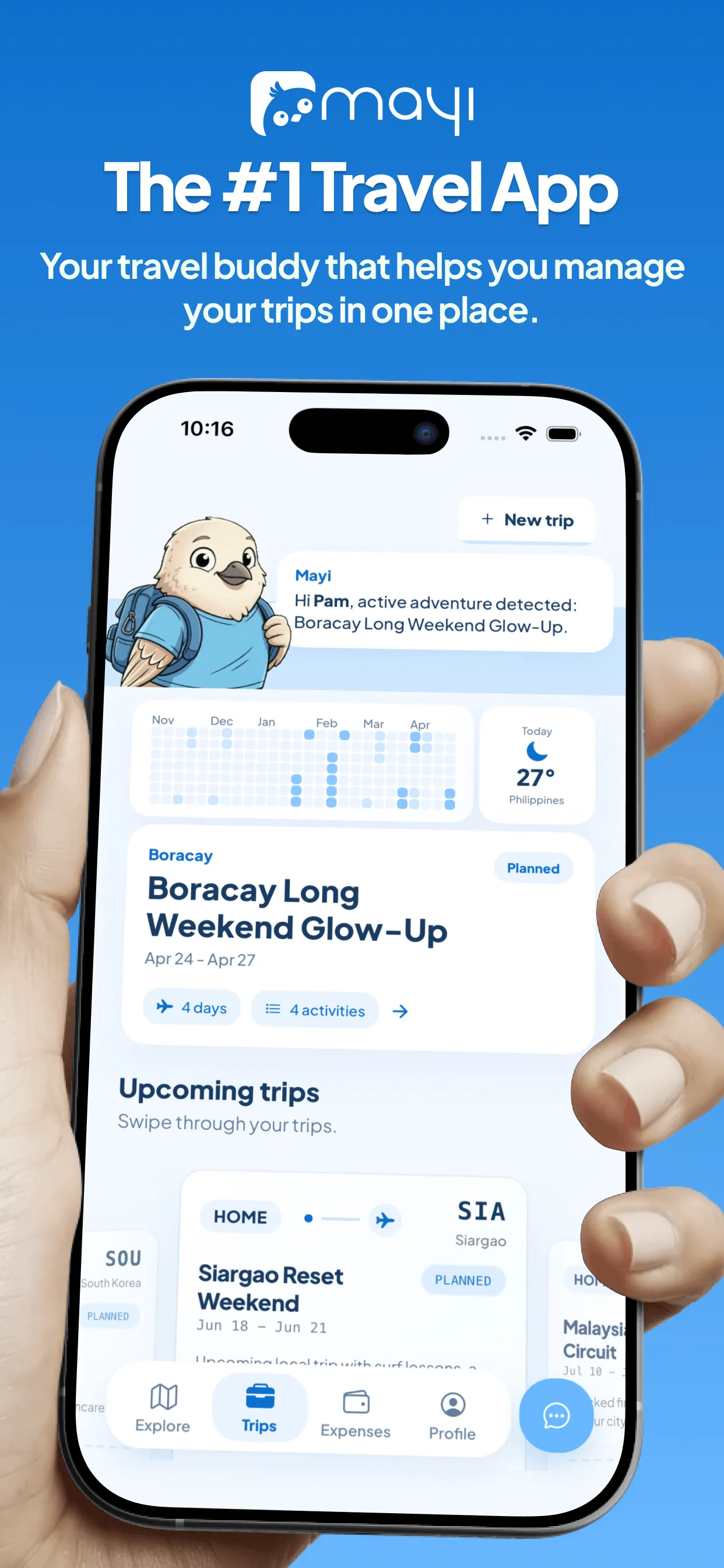
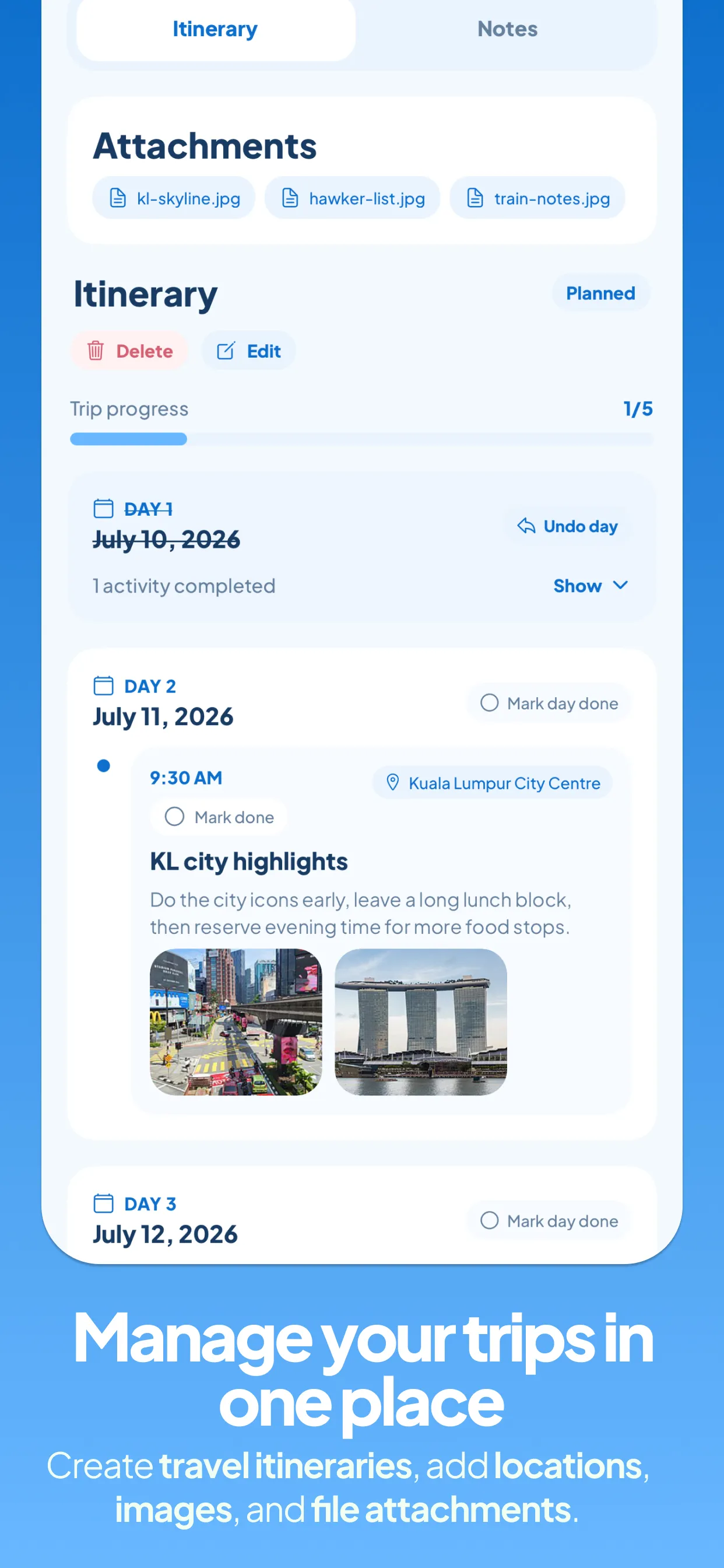
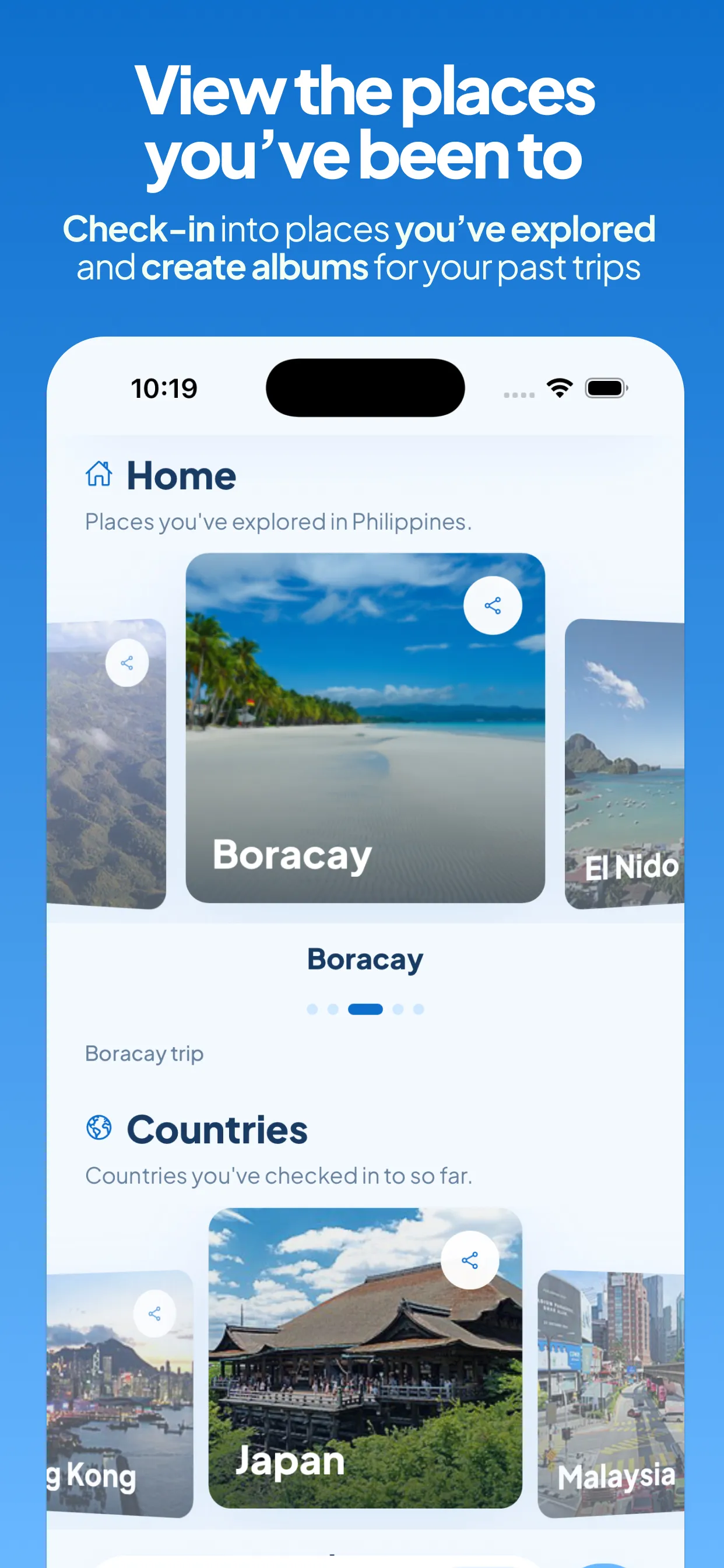
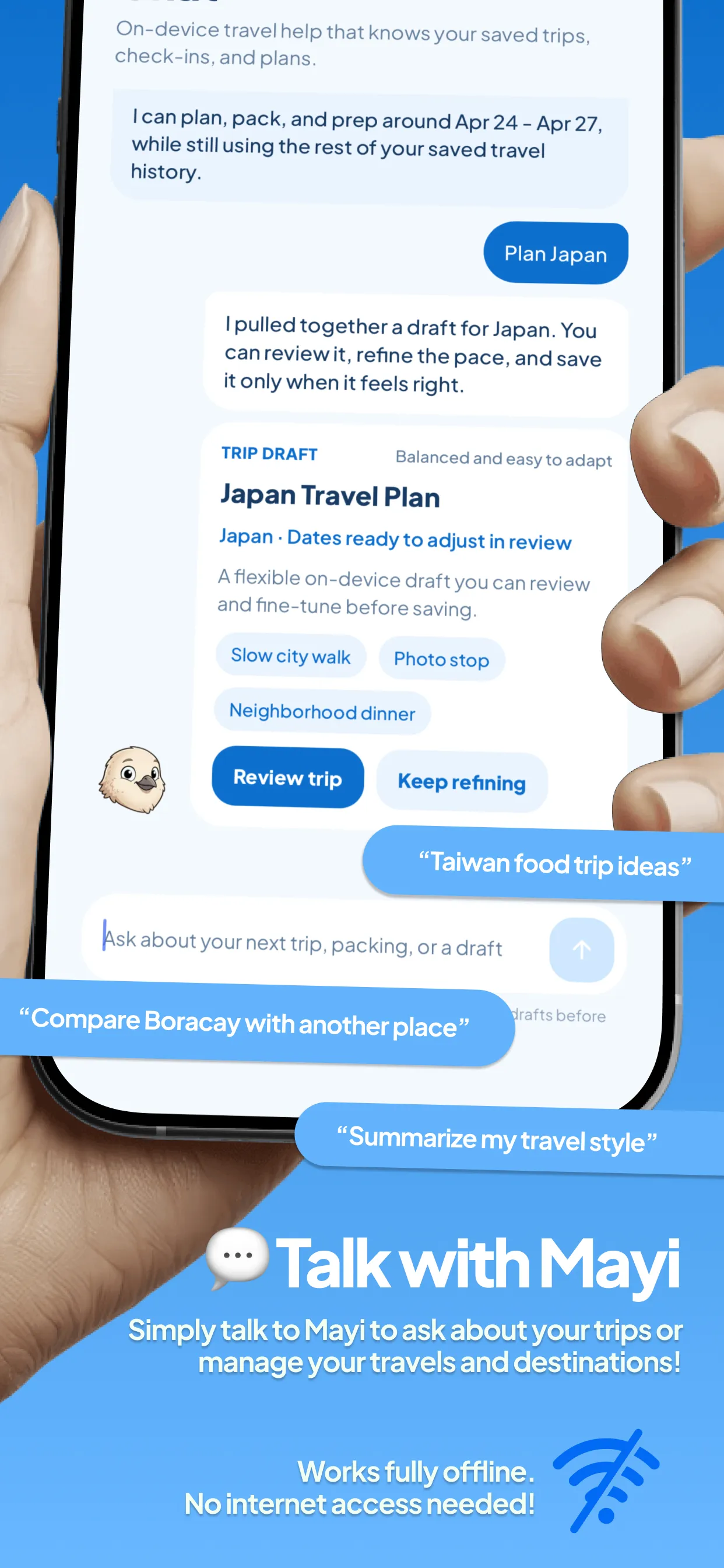
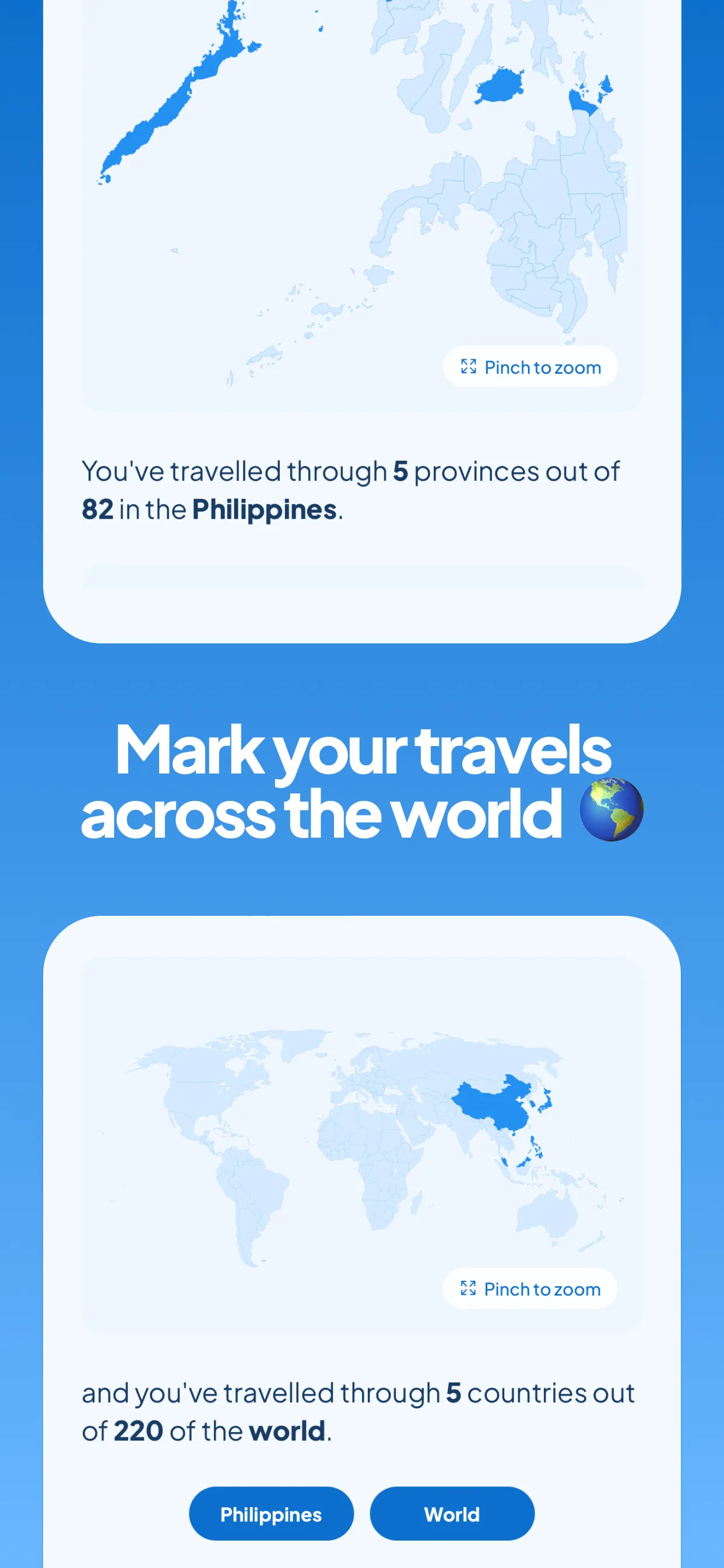
Bryl already proved this works three times. His second app, Mayi (a trip planner), followed the exact same approach: paid upfront, Facebook group, no ads, fast iteration. It's also #1 on the paid travel charts.
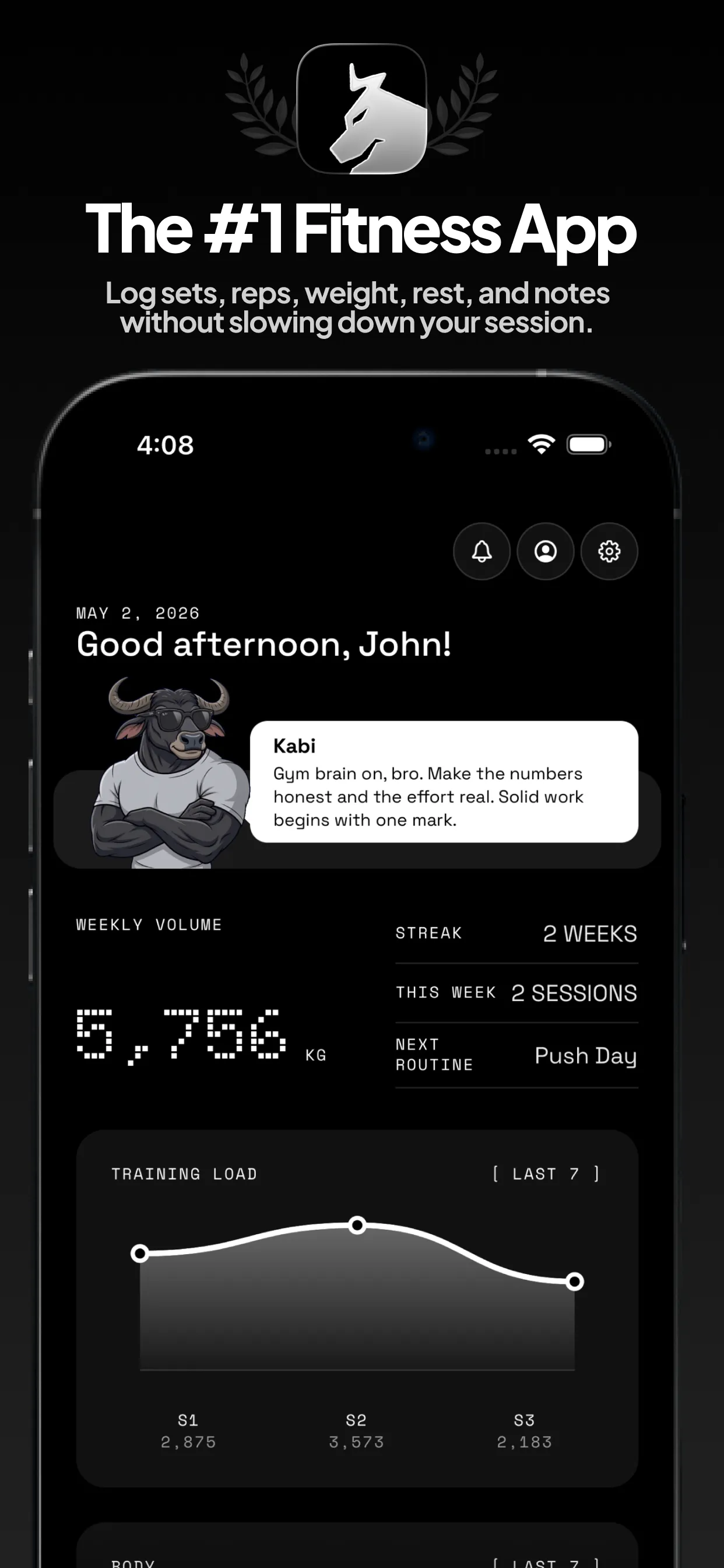
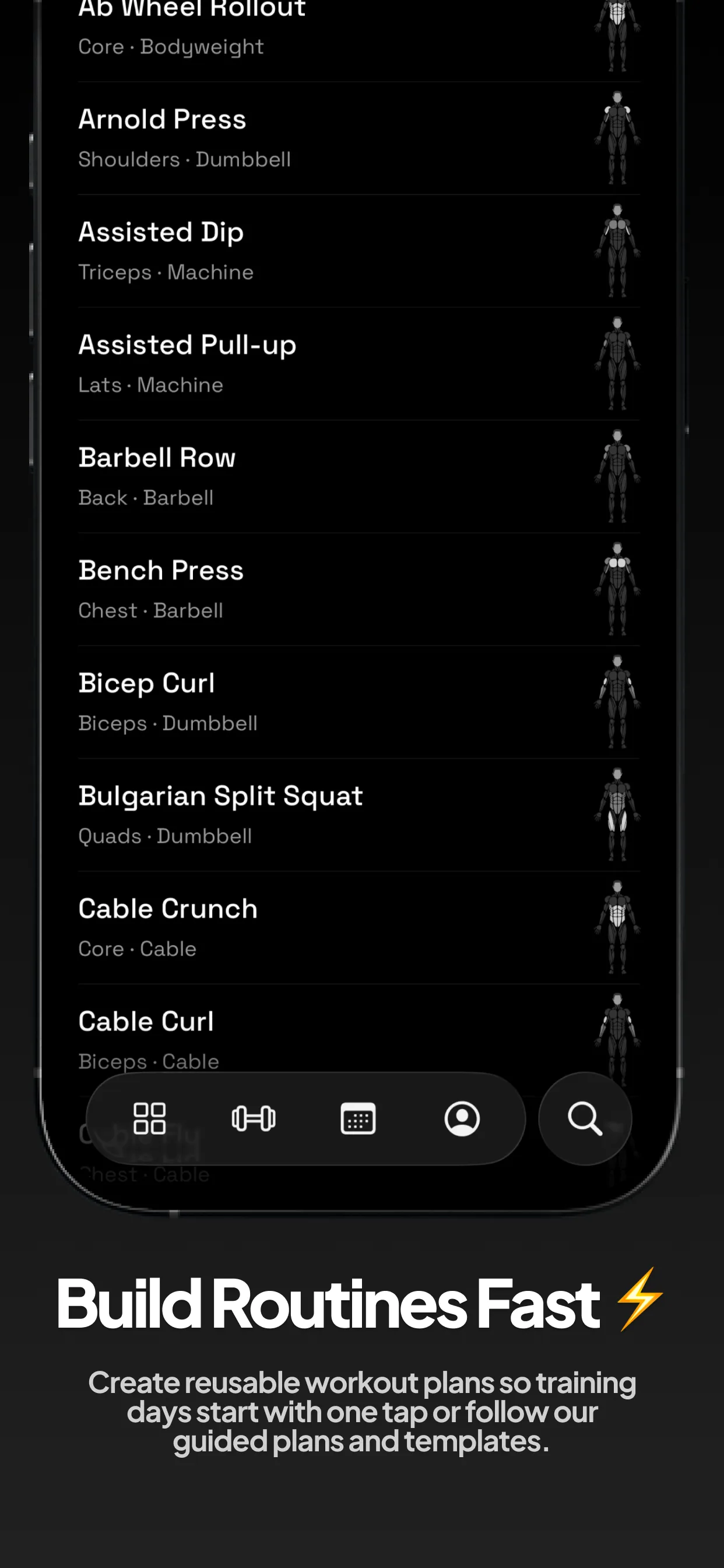
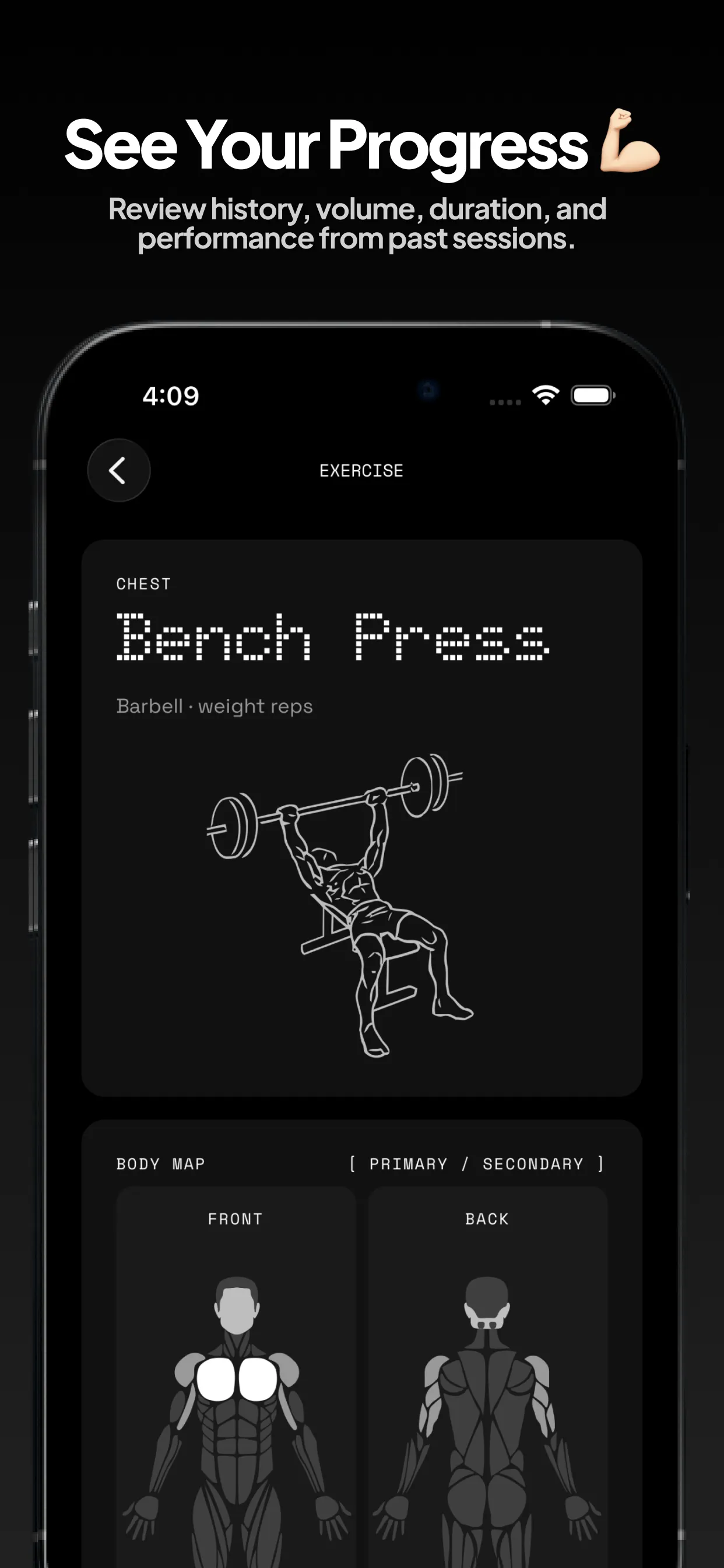
His third app, Kabi (a workout tracker), pulls the same playbook into Health & Fitness. Also #1 in its paid category.
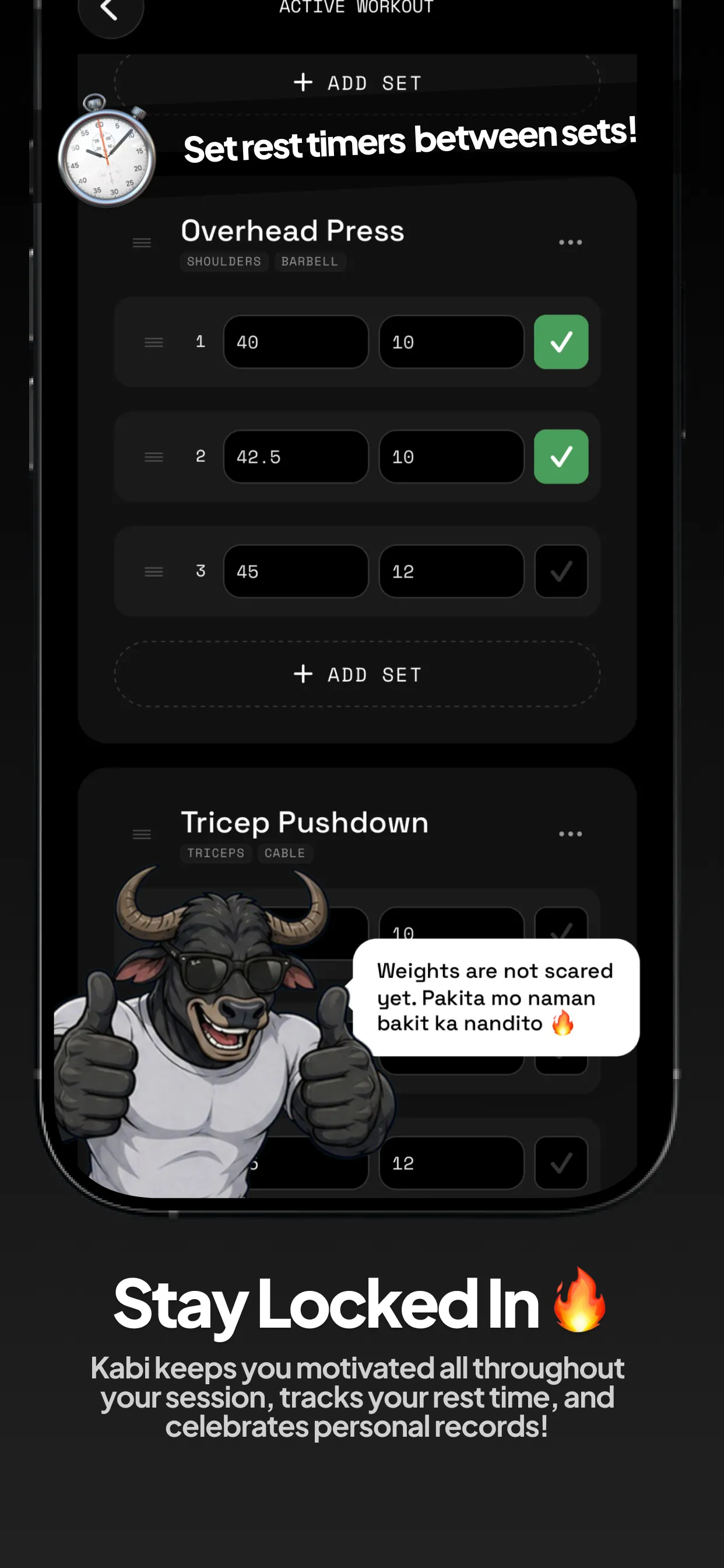
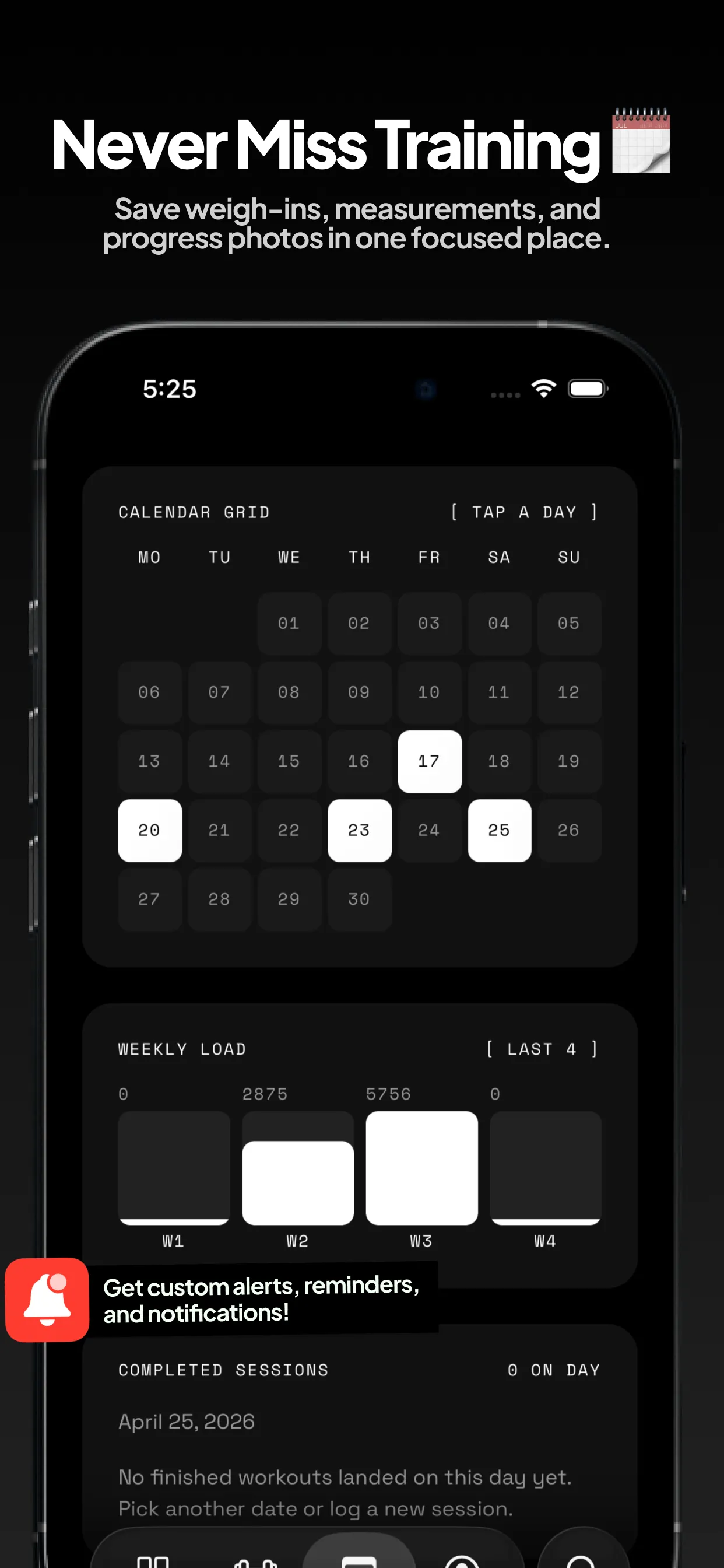
For the second and third apps he didn't have the bandwidth to handle everything alone, so he brought in friends for some equity. They maintain the community and add features while he focuses on the next thing.
The playbook in short:
- Build fast (one weekend, Codex, templates)
- Publish as paid (less competition on charts)
- Create a public Facebook group (free distribution)
- Iterate based on group feedback (Apple Notes + Codex)
- Keep it offline (zero server costs)
- Add optional subscriptions only for features that cost you money to operate
More episodes
See all episodes →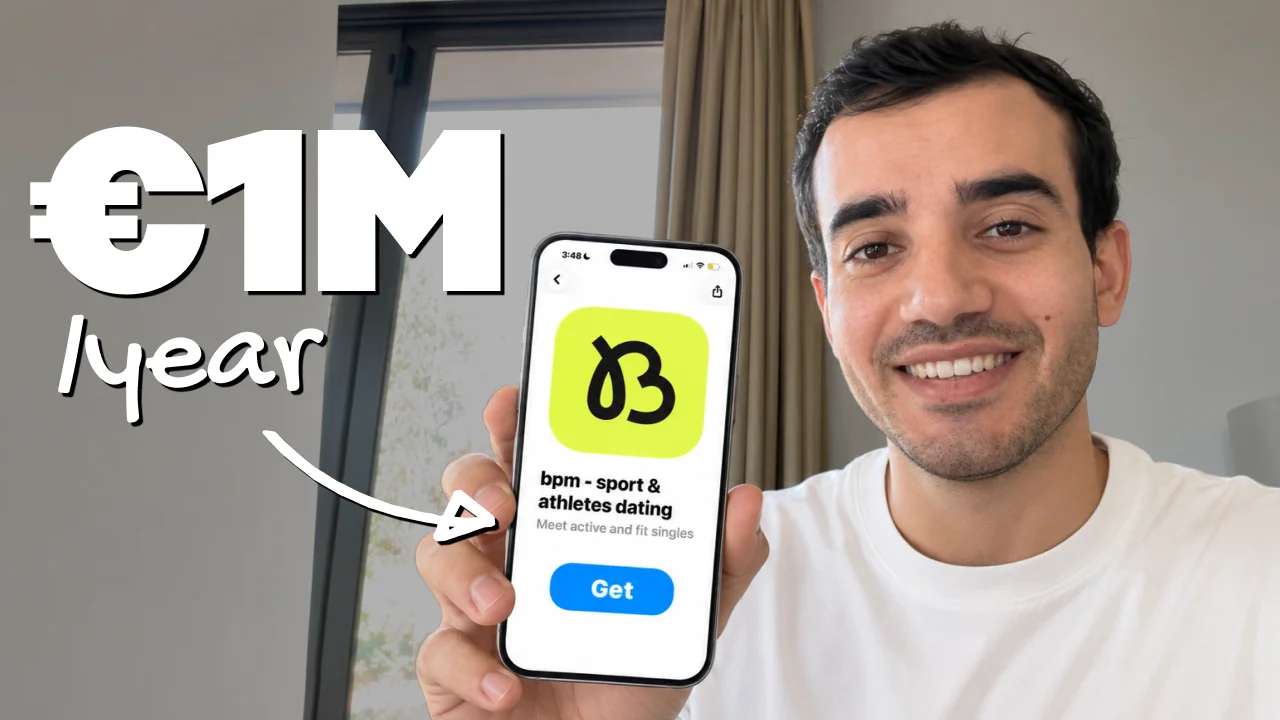
I Built a €1M/Year Dating App in 4.5 Months
Gabriel Zeitoun explains how BPM reached €1M in annualized revenue in 4.5 months through a run club, premium features, and Meta ads in France.
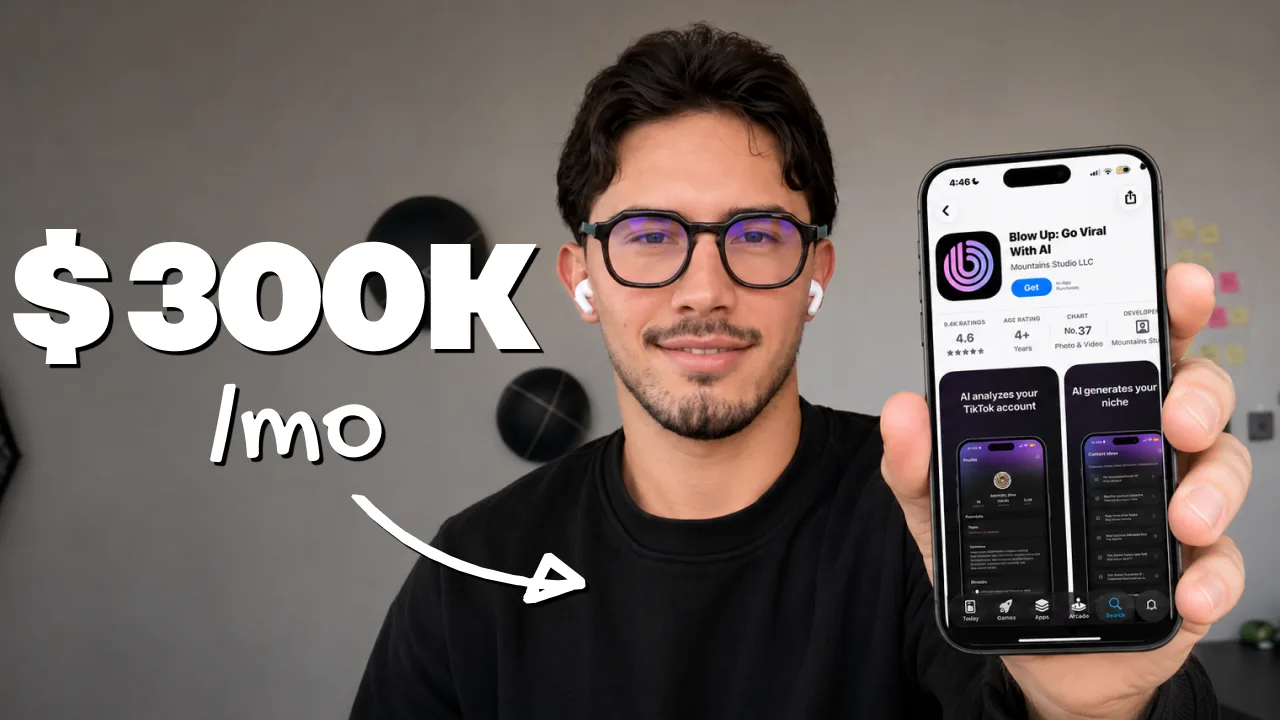
I Built a $300K/Month App Business With UGC
Enzo explains how he built a $300K/month app business with UGC creators, 250M monthly views, repeatable formats, and performance-based pay.
I Got 1 Billion Views For My App With No Ads
Mauro Botanes explains how Symmetry reached $200K/month, 2M downloads, and nearly 1B organic views by building a creator machine instead of running ads.